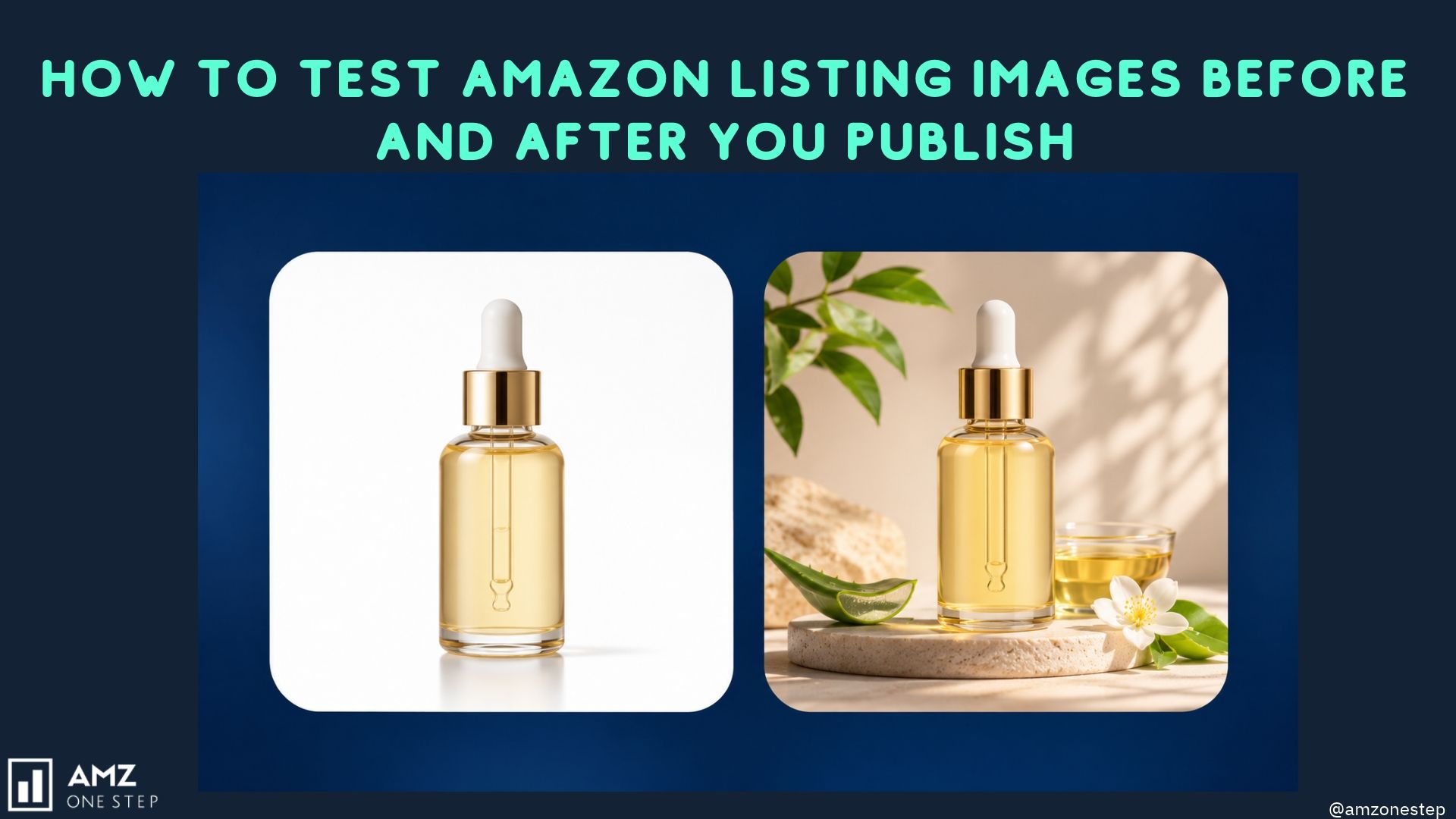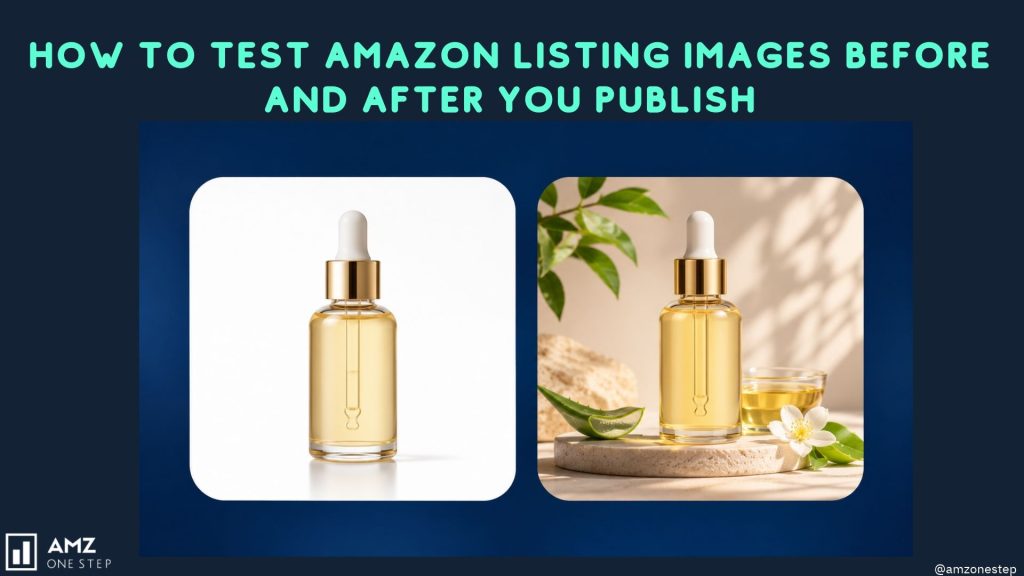

A seller shows us two main images. One won a shopper poll 70 to 30. They swapped it in, and sales dropped for the next month.
The poll wasn’t wrong. It answered a different question. Shoppers in the poll were asked which image they preferred while looking at both, full size, side by side. Real shoppers saw one thumbnail among 40 others on a phone and decided in about a second whether to tap.
Amazon image testing tools each measure something specific. Pick the wrong one and you get a confident answer to a question you didn’t ask. This post sorts the main methods by what they actually tell you, then shows the order we run them in using ListingOptimization.ai and Amazon’s own Manage Your Experiments.
Three Questions Image Testing can Answer
Every image test answers one of these:
- Does the image read at search-result size? Can a shopper tell what the product is, and what makes it different, at thumbnail size next to competitors?
- Do shoppers prefer it? When people compare versions directly, which do they choose, and why?
- Does it sell more? With real traffic and real money, does the new version change clicks, conversion or units?
Only the third question tells you about sales. The first two are cheaper and faster, so they work as filters. They remove weak versions before you spend weeks of live traffic on them.
The Methods, and What each one Measures
| Method | Answers | What it can’t tell you | Time |
|---|---|---|---|
| SERP simulation | Question 1: how the image looks at thumbnail size among competitors | Whether anyone will buy | Minutes |
| Shopper preference panels (polls, audience feedback) | Question 2: which version people choose and their stated reasons | Behaviour under real shopping conditions | Hours |
| Manage Your Experiments | Question 3: which version sells better with live traffic | Why it won | Several weeks |
| Sponsored ads image comparison | Partial question 3: click-through on ad placements | Organic behaviour, and results get mixed with bid changes | 1 to 3 weeks |
The common mistake is treating question 2 results as question 3 results. A panel preference is a hypothesis. A Manage Your Experiments result is evidence.
Step 1: Check Thumbnail Readability with SERP Simulation
In ListingOptimization.ai, SERP simulation drops your main image into a mock Amazon search page alongside the competitor listings for your product. You see it at the size a shopper sees it.
Check each candidate for:
- product filling enough of the frame to be recognized
- the one differentiating detail still visible at small size
- contrast against the white backgrounds around it
- whether it looks like the same type of product as the results around it
Versions that fail here don’t go to the next step. There’s no point asking shoppers to choose between two images when one can’t be read in search results.
Step 2: Get Shopper Feedback on the Survivors
Next, collect audience feedback on the versions that passed. Look past the vote count at the reasons. A version that wins because “it looks more premium” tells you something different from one that wins because “I can see it fits in a cup holder.” The second reason points at a buying decision. The first may only point at taste.
Record the stated reasons next to each version. They become the fix list for Step 3 and the hypothesis you write down before the live test.
Step 3: Edit, then Recheck
Shopper comments usually point to specific fixes: the lid is hard to see, the colour looks different from the reviews’ photos, the scale is unclear.
Make those changes with the image editor. Highlight the area, describe the fix, and regenerate. Then run the edited version through SERP simulation again. Edits that help at full size sometimes add clutter that hurts at thumbnail size.
Stop editing when the remaining comments are about taste rather than information.
Step 4: Run the Live Test in Manage Your Experiments
Once one or two strong versions remain, test against your current main image in Manage Your Experiments in Seller Central. Write down before you start what you expect to happen and why, using the shopper reasons from Step 2.
A few rules we follow:
- Test one change at a time. If the new version changes the angle, background and props together, you won’t know which change caused the result.
- Let it run for the full duration you set. Stopping early because one version leads in week one gives you noise.
- Don’t change price, coupons or ad budgets during the test.
- Record the result even when the new version loses. A losing test tells you which angle not to try again.
Manage Your Experiments needs Brand Registry and an ASIN with enough traffic to be eligible. For listings that don’t qualify, a sponsored ads comparison is the fallback, with the caveat in the table above.
Keep Shopper Preference and Sales Results Apart
When you report results to a client or your team, label them separately:
- “Version B was preferred by most panel respondents, mainly for scale clarity.” This is a preference result.
- “Version B won the Manage Your Experiments test.” This is a sales result.
Writing “Version B won” for both is how the seller at the start of this post ended up with a losing image live for a month.
Test your next main Image
Run your current main image and a new version through SERP simulation in ListingOptimization.ai and see how they read next to your competitors.
Frequently Asked Questions
Quick answers to the most common questions about refreshing Amazon listing images.
What is the best way to A/B test Amazon images?
Use Manage Your Experiments if your brand is registered and the ASIN is eligible. It splits real traffic between versions and reports which one performed better. Screen versions first with a SERP simulation and shopper feedback, so the live test is spent on strong candidates.
Are shopper polls reliable for Amazon main images?
They are reliable for what they measure: which version people prefer when comparing them directly, and why. They don’t show how shoppers behave scrolling a search page, so treat a poll winner as a candidate for a live test, not as a result.
How long should an Amazon image test run?
A SERP simulation takes minutes and shopper feedback takes hours. A Manage Your Experiments test usually needs several weeks to reach a reliable result, longer for ASINs with low traffic.
Can I test images without Brand Registry?
You can’t use Manage Your Experiments without it. You can still use SERP simulation and shopper feedback before publishing, and compare images through sponsored ads, keeping in mind that ad results don’t cover organic traffic.

Kamaljit Singh is the Founder and CEO of AMZ One Step and a former Amazon seller. Kamaljit has been featured in multiple Amazon podcasts, YouTube channels. He has been organizing meetups all around Canada and the US. Kamaljit has over 350,000 views on his Quora answers regarding FBA. Kamaljit also founded AMZ Meetup where he organizes conferences for Amazon sellers.